The Best Tools & Services for Selling on Amazon in 2026
If you’re selling on the Amazon marketplace, you should definitely be making use of the wealth of tools and services available to you. Amazon is a huge (and competitive) marketplace, and making your Amazon business a success involves a lot of hard work. But there are plenty of tools out there that can help you do just that.
From third-party repricing software that can help you dominate the Buy Box to review automation tools, product listing software, and lots more, there are many tools available.
While most Amazon seller tools involve a cost, they can more than make up for it in many ways, either by helping you to increase sales or saving you huge amounts of time on repetitive tasks.
So whatever stage you’re at, whether just starting out or trying to take your business to the next level, here’s a list of tools and services you can use to reach your goals.
TL;DR
There are many tools and services available for Amazon sellers that can help you grow your business in various ways.
These include automated repricing tools as well as software that helps you with your reviews, listing optimization, advertising, and more.
Use a selection of these tools to help automate processes, save time, and grow your Amazon FBA business.
1. Repricing
We’ll start with repricing tools. If you don’t use any other type of third-party Amazon tool, make sure you at least use one of these. They can really help you to take on your competitors and boost sales.
Why Is It Important?
Repricing is the practice of changing the prices of your products—not just on Amazon, but on most online marketplaces. Amazon is, however, the most important.
Why would you change your prices? For many reasons, but the end result is to make more sales and increase your profits.
If there are 10 competitors all selling the same product, you’re all fighting over the Buy Box, where the vast majority of the sales are made – over 82% of all Amazon sales in fact.
Price is one of the major factors that influences who wins the Buy Box. It’s not the only factor in the algorithm, but it’s one of the most important.
If one of your competitors drops their price, they may suddenly win the Buy Box—at the expense of your sales.
You can react by lowering your own price, but doing this manually is a huge task that would take up hours of your time.
A far more effective way is to use an automated repricing tool. These tools track your competitors’ products and detect price changes immediately.
You can then set up your repricing software to react in a certain way, like lowering your price to a predetermined minimum.
Sometimes, you may want to increase your price when your competitor runs out of stock. This way, you can take advantage of the lack of competition and increase your profit margin on each sale.
When you reprice your products manually, it can be easy to act on emotions. You can lower the price of your product too far to try and win the Buy Box, and you end up making a loss. Repricing tools prevent this from happening.
Everything is based on data instead of emotions. You can set it up and let it get on with the job, and then return to check your stats and make changes to your goals as needed.
Best Repricing Tools
There are several repricing tools to choose from. And yes, we may be biased, but you don’t need to look any further than Repricer.com.
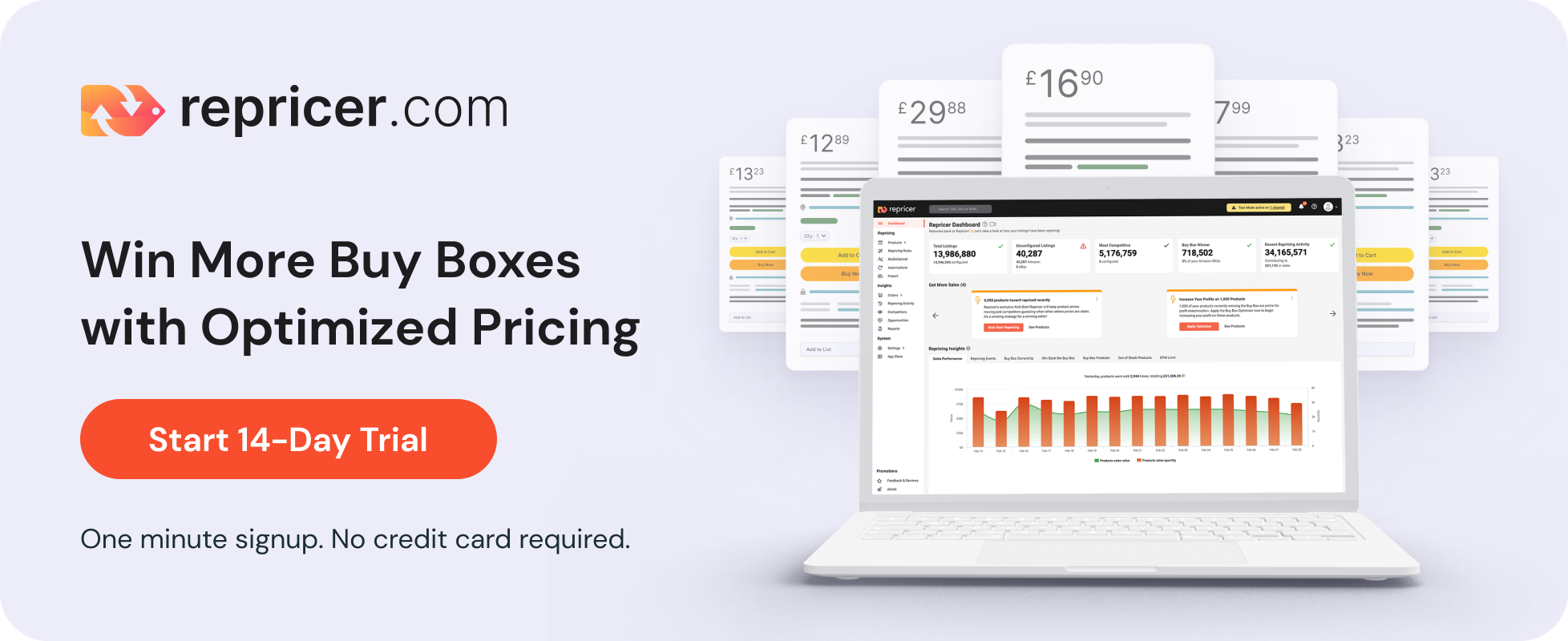
Repricer.com is an all-in-one automated repricing tool for Amazon sellers. It allows you to reprice your products fast so you don’t miss out on any sales opportunities.
When you get started, you can specify your repricing goals and set up your rules. For example, you may want to set a minimum and maximum price for each product you’re selling.
That way, if a competitor reduces the price of their product too far, you won’t end up in a race to the bottom.
You can set up as many products as you want, and Repricer.com will track all of them and make changes to the price when needed.
Price changes are fast. It detects when your competitors change their prices almost immediately and then changes the price of your product appropriately.
You can even use Repricer to detect when your competitors are low on stock. It will increase the price of your products so you can make more profits when there’s less competition.
And it has lots of smart features, like a tool to help you choose the best products to sell in terms of winning the Buy Box.
It can also increase the price of your products incrementally when you win the Buy Box to maximize profits. If the price goes too high and you lose the Buy Box, you’ll have more data to go on next time.
And one of the best things about Repricer.com is that it’s not just for your Amazon listing.
Related: Why You Should Use a Repricer if You Sell on Amazon
2. Product Research
Everything on Amazon starts out by choosing products to sell.
Whether you’re a complete beginner choosing your first product, or you already sell dozens of products and you’re looking for your next winner, having a good product sourcing system is essential.
Why Is It Important?
If you pick a bad product to sell, you could waste a lot of time and money on trying to get sales—and all for nothing.
Some products on Amazon are going to sell, some will be far more difficult to sell than others, and some products will struggle to win the Buy Box, where the majority of all sales are made.
If you choose a bad product, you’ll end up spending a lot of time on setting it up, buying and storing the stock, shipping the products, or paying FBA fees to let Amazon do it for you.
You’ll spend money promoting your product via Amazon advertising or off-site marketing like emails, videos, social media updates, and more.
A lot of work goes into getting started with a new product, and you don’t want it to all be for nothing only to discover a few months down the road that it’s not worth continuing with it.
It’s always better to choose the right product and have a system in place for sourcing products.
Best Product Research Tools
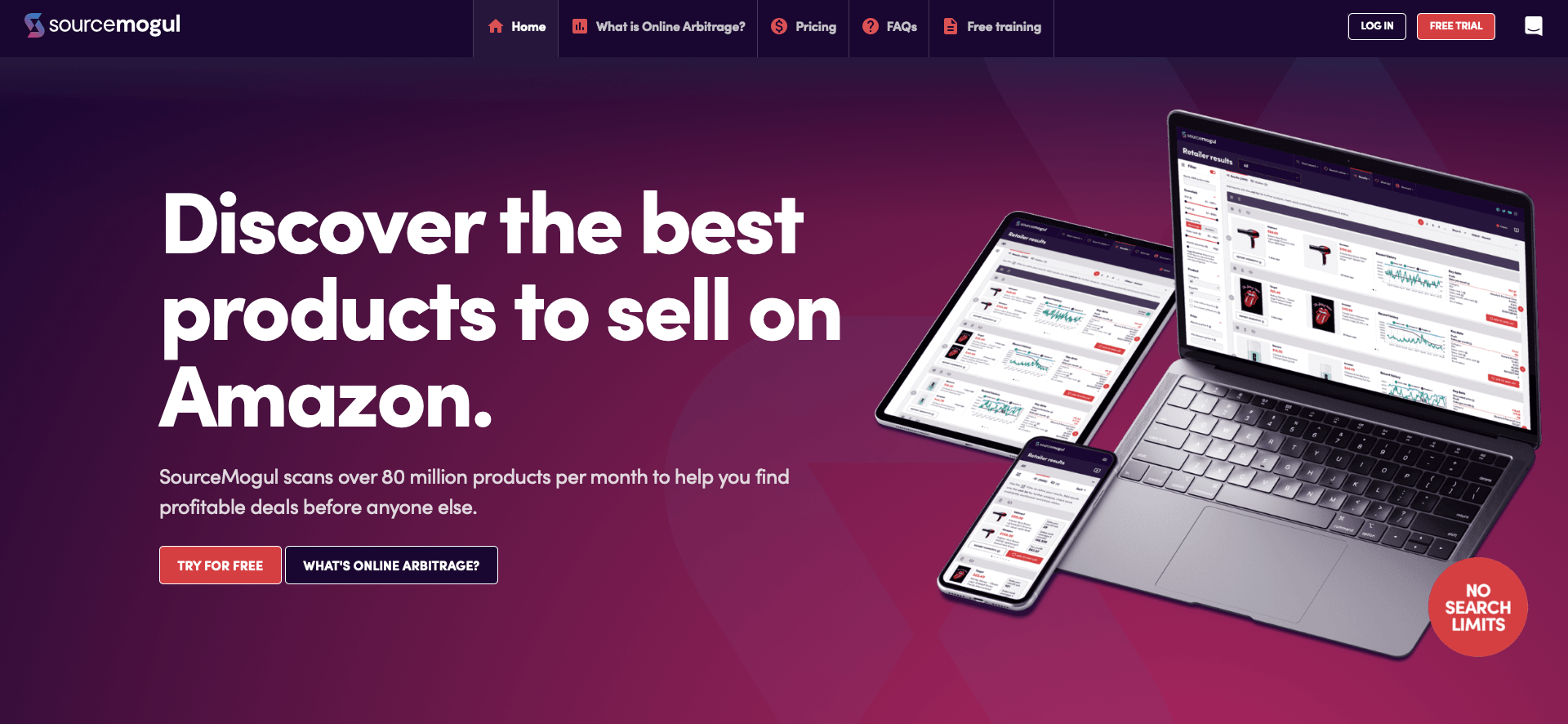
SourceMogul is an online Amazon seller tool that automates the product search process. You can use it to search hundreds of retailers or upload custom lists to find suitable products. It scans over 80 million products every month, and it will help you find the best deals before anyone else.
This is for online arbitrage where you buy household products and resell them on Amazon.
It works by scanning retailer websites to find the cheapest products at any moment where you can make the highest profit margins. You can then buy the products and sell for more money on Amazon.
Success with online arbitrage is all about identifying the best opportunities. It’s a time-consuming process, and the best products sell out fast, so you have to be quick. SourceMogul helps you do just that.
Jungle Scout is one of the best Amazon seller tools. It began as a product research tool, and while it now offers many more features, its Opportunity Finder tool is great for product research.
You can use this tool to find new niches, discover exciting opportunities, and find high-demand products with low-competition keywords. On top of that, it helps you to get in-depth data on keywords, trends, performance, and more. You can also use the Niche Score to help you make decisions on which products to choose.
AMZScout is a large tool that performs a lot of functions, one of which is to help find profitable products. You can use this tool to analyze sales data by season, and it also helps you find profitable products with low competition.
You can use its Product Database and use filters like rank and estimated revenue to identify opportunities. It’s a great tool for finding high-margin products that are easy to launch. You can also use the product history feature to find out about the rank and price of a product over a period of time.
Viral Launch has a Product Research tool as well as many other useful tools, and you can use this to find great product opportunities. You can use it to find untapped opportunities and get accurate sales info as well as data on the competition level and market trends.
It has data on over 200 million products and you can use over 100 search filters, making it incredibly useful for product research.
SellerApp also has a Product Research tool that you can use to find great opportunities for products to sell on Amazon.
Use its data-intelligence tools to get info on competitor strategies, research over 100 million products, get real-time product metrics, access sales data and reports, and use smart filters to help you find the best product opportunities.
3. Supplier Research
Identifying a great product is just the beginning. Now you need to connect with a supplier, and that’s what supplier tools can help you do.
Why Is It Important?
All products have to come from somewhere. Unless you’re selling a product you make yourself, you’ll need to source it.
Some sellers may source used products at garage sales, but if you’re selling new products, you’ll have to find a supplier. If you’re selling products in volume, finding the right supplier can make a huge difference to your bottom line.
Let’s say you identify a product you know is going to be a winner. You need to order it in bulk, and the price you pay for it and how quickly you receive it can have a huge impact on your business.
Connecting with suppliers isn’t always easy, and that’s where supplier tools can help you. These can instantly connect you with the best suppliers, saving you a lot of time and effort.
While you can always search online, use industry associations, visit trade shows, and use wholesale directories as other ways to connect with suppliers, it can help to use a tool that does the hard work for you.
Best Supplier Research Tools
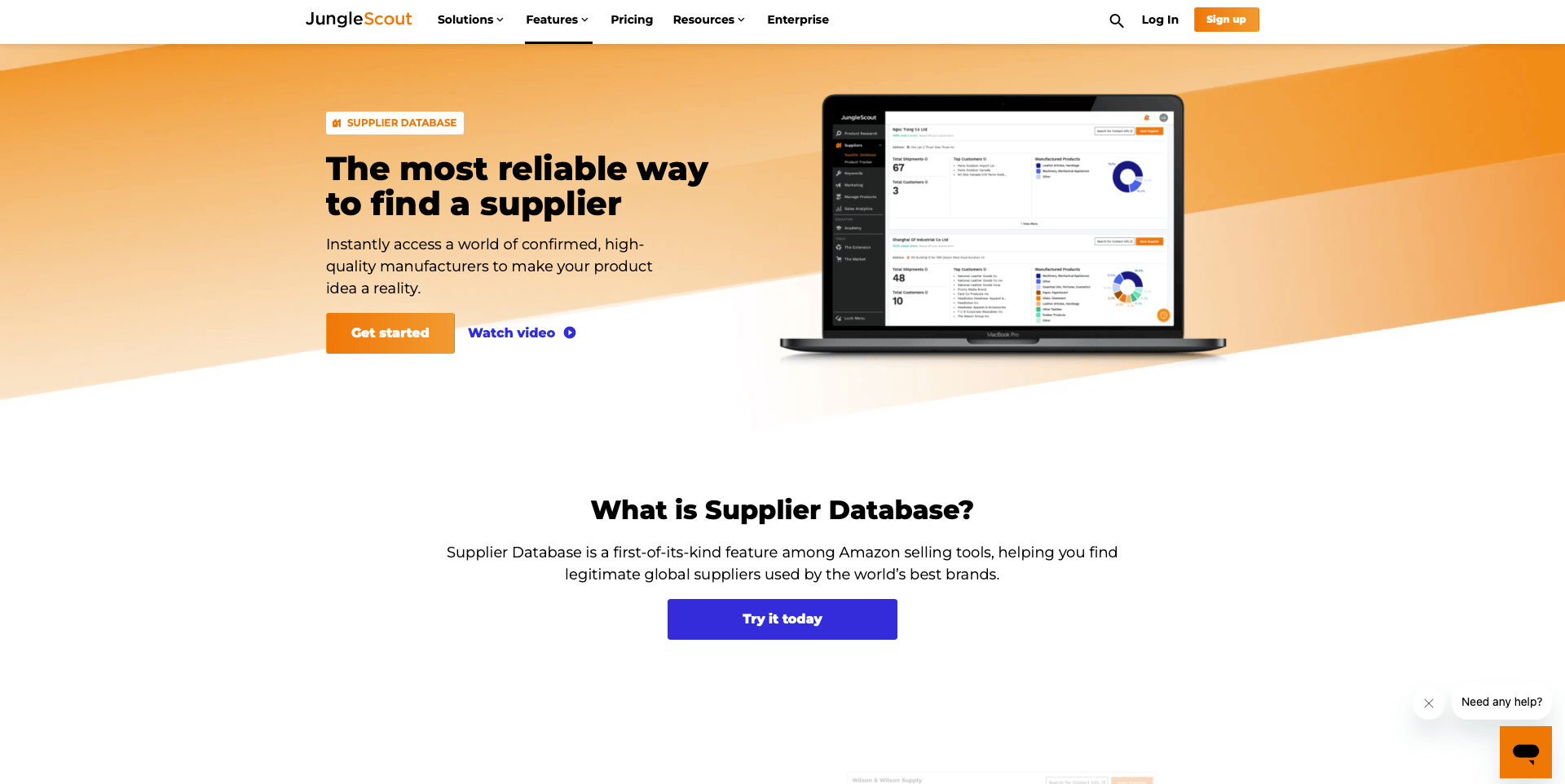
Jungle Scout is one of the best tools for connecting with suppliers. It provides a large selection of tools, one of which is its Supplier Database feature.
Using this, you can find a supplier for your product, get insights about the supplier’s customers, and even check their rating to help you make your decision.
AMZScout can also connect you with suppliers. When you use its product research tool, you can also find the direct supplier of the product on Alibaba in just one click, saving time searching for a supplier yourself.
Related: 20 Top US Dropshipping Suppliers for eCommerce
4. Listing Optimization
If you’re selling a private label product under your own brand name, having a well-optimized listing can make a huge difference in your visibility and sales.
You can optimize your listing on your own, but there are several tools that can make it easier.
Why Is it Important?
Listing optimization is important for a few reasons.
Firstly, when you sell a private label product, you need to get visibility for your listing. Amazon’s A10 algorithm determines which product listings show up where in the search results, just like when people search on Google.
By optimizing your listing with the right keywords in the right places, you can improve your position. Good optimization plays an important role, and you want to do everything you can to help improve your ranking.
Secondly, optimization is also about persuading the customer to buy your product. If they see an attractive listing with persuasive copy and professional images, they’re more likely to buy.
So, optimizing your listing involves researching the best keywords to use, and then implementing them in your listing appropriately.
At the same time, you need to take professional photos of your product and create persuasive and convincing copy that increases trust and encourages shoppers to buy your product.
While creating the copy and taking the images is something you have to do, or hire someone to do for you, there are tools that can help you with keyword research.
You can also use A/B comparison tools to help you determine whether the copy and images are effective.
Best Listing Optimization Tools
There are several components to good Amazon listing optimization. The most important is keywords, and it, therefore, makes sense to start with keyword research tools.
While you may want to start with a free Amazon keyword tool, you’ll have to pay for the best tools. There are many to choose from, but MerchantWords is one of the best.
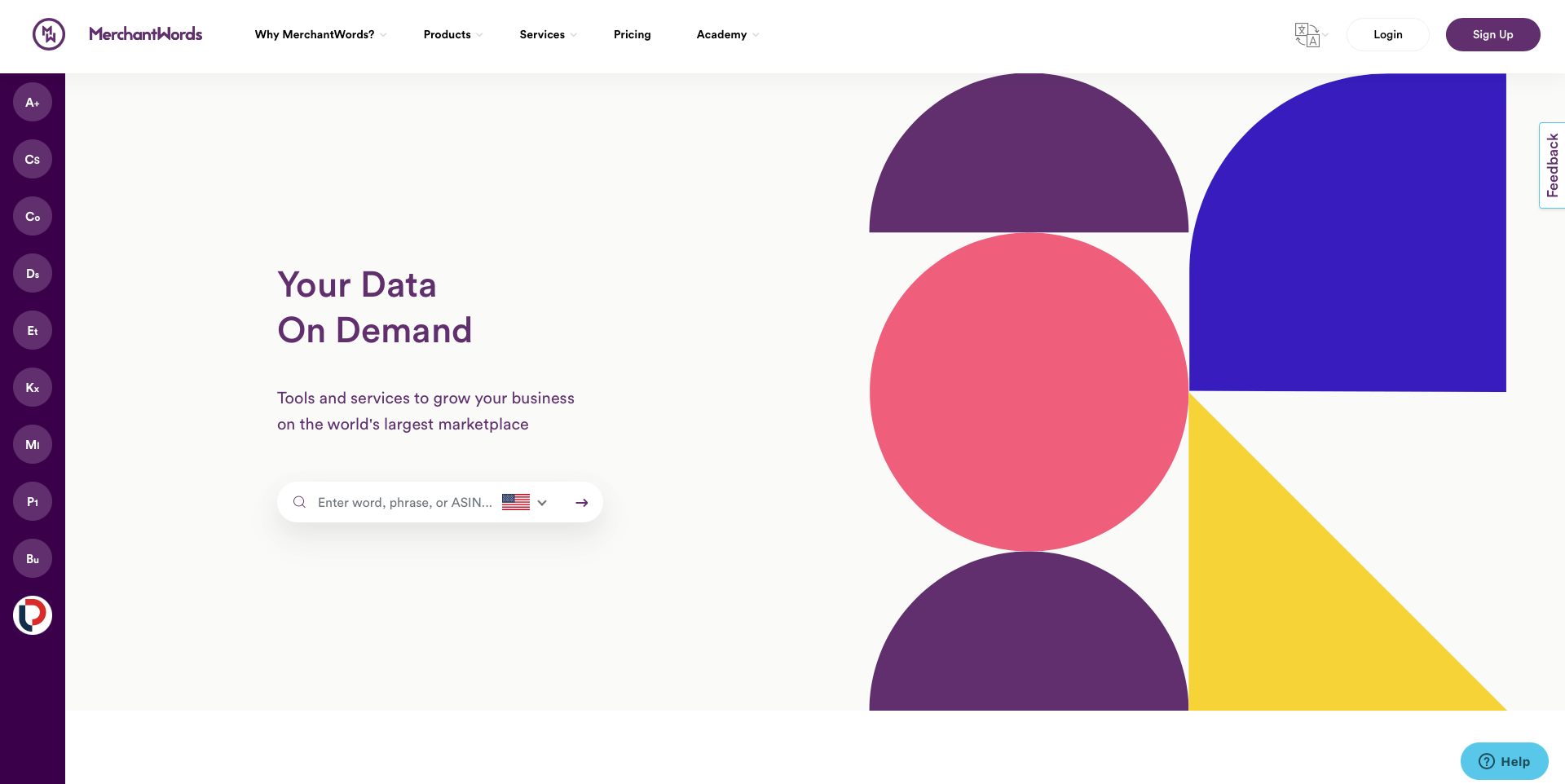
Using this, you can identify the best keywords quickly and easily using this tool. It also has an ASIN lookup tool, and you can choose to search different Amazon marketplaces.
Using MerchantWords, you can quickly build a huge list of relevant keywords that you can use to optimize your listing.
Other popular keyword research tools include the tool from Helium 10. It actually has several listing optimization tools, including a keyword processor, index checker, split testing tool, and listing builder. The Scribbles tool is very useful when you’re creating and editing listings.
SellerApp is another good choice. We’ve already mentioned its product research tool, and it can also help with optimization.
It has a huge database of over 130 million keywords, so you can discover the best keywords with low competition but high opportunity to get more leads and sales.
It has a keyword tracker so you can find out how well your listing is ranking for specific keywords, and this is very useful.
Ahrefs also has many features, and one of these is the keyword research tool. It has close to 100 million keywords so you can get insights based on real users. You can also research keywords in almost any country and find out how competing listings are ranking in Google.
As well as keyword research, don’t forget about A/B testing. This allows you to compare two versions of your listing to determine which leads to the most sales. Manage Your Experiments is a free tool from Amazon that helps you do this, and you can find it in Seller Central.
You can use this A/B testing tool to test various aspects of your listings by comparing two versions with minor differences to find out which is best. You can set it up to auto-publish the winning version.
Related: The Ultimate Guide to Amazon Listing Optimization
5. Advertising and Marketing
Setting up a product to sell on Amazon, whether you’re using arbitrage or private label products, involves a lot of work.
You can’t just list your product and watch the sales roll in. You need to get as many people as possible to see your product, and that means investing in marketing.
There are many forms of marketing, and advertising is the most important for Amazon sellers.
Why Is it Important?
No business can expect to succeed without a certain amount of marketing. There’s just too much competition out there, and this is especially true on Amazon.
There may be dozens of sellers all selling the same product as you, or your private label product may be competing with several other similar products.
Even if you optimize your listings, get reviews, and do everything else right, getting enough people to find your product in the first place can still be a challenge.
By investing in marketing and advertising, you can get your product in front of more potential customers.
And while it involves an investment, it can be a very good way to spend your money if it results in more sales.
Best Advertising and Marketing Tools
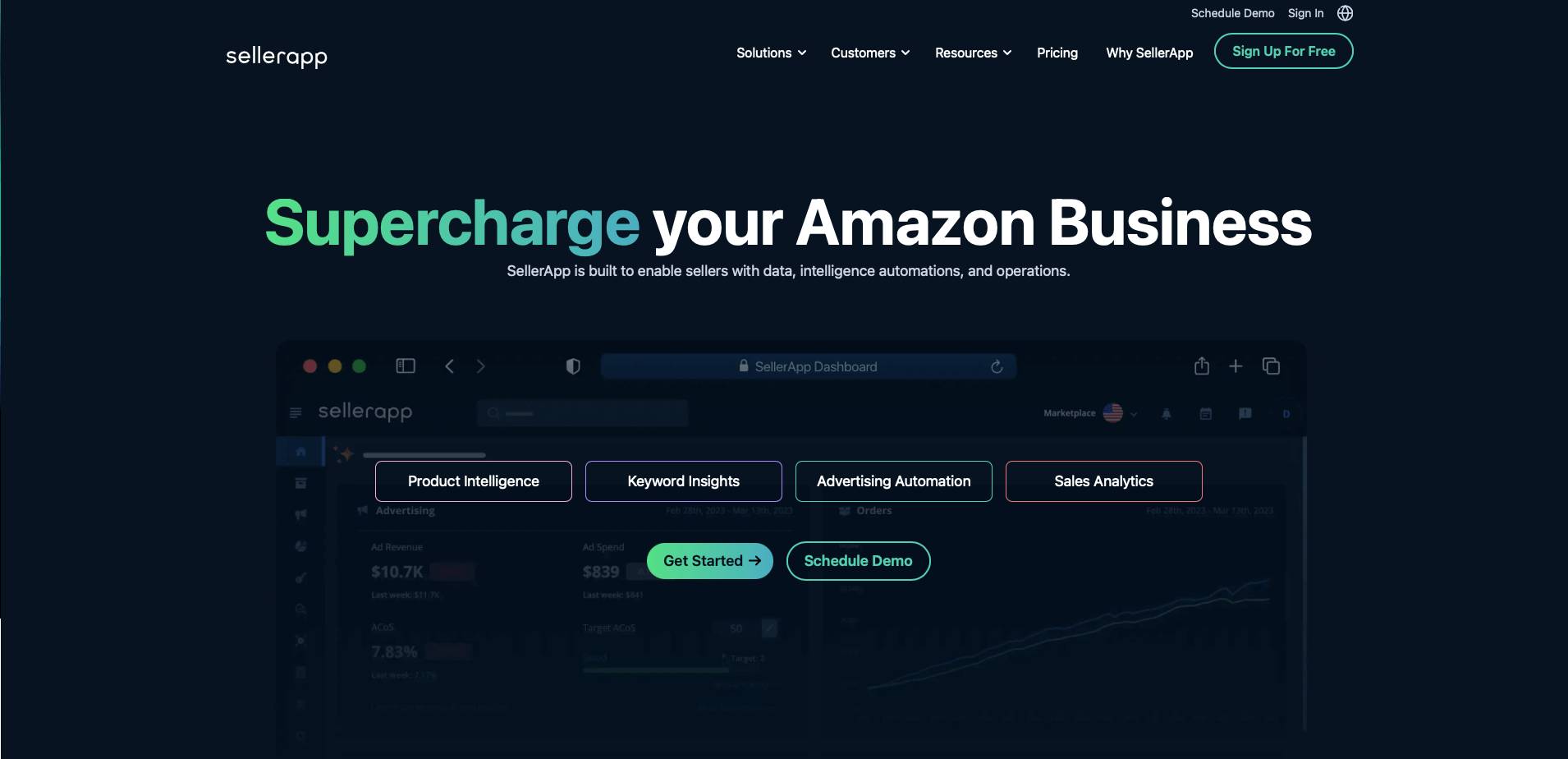
SellerApp is a great option for advertising. This provides an advanced PPC optimization tool and it also provides additional tools for optimization and product research among others.
It helps you automate your PPC campaigns with its machine learning algorithms, get alerts about negative keywords, as well as keyword research tools and seller analytics. On top of that, it has a simple user interface that makes it easy to use.
Adtomic is a tool from Helium 10 that makes it easy to manage large campaigns. It provides several templates to build campaigns, a keyword bidding tool, and automatic suggestions for keywords.
You can do everything from creating and managing your campaigns to optimizing them. You can also use clear analytics to make decisions and understand how ads are driving sales, saving hours of time.
Teikametrics is a simple but powerful tool that focuses purely on advertising rather than offering lots of other tools like optimization.
You can use it to manage keywords, launch and manage campaigns, automate bids, and more. Its Flywheel 2.0 AI tool helps you optimize campaigns, and you can use it for your Walmart products too.
That’s just the start, and there are many other tools available. For example, SellerLabs offers its Ignite tool, while Perpetua makes it easy to manage ads on Amazon, Walmart, and more.
Related: The Complete Guide to Advertising on Amazon in 2025
6. Reviews
One thing you’ll want lots of when you sell on Amazon is positive reviews. It’s one of the most important factors if you want to run a successful business and persuade more shoppers to buy your products.
But getting reviews can be a time-consuming process, so use the tools available to speed it up.
Why Is It Important?
When people shop on Amazon and come across your product, they take many factors into consideration. The price and the quality of the product are important in determining whether it’s what they’re looking for.
But they also want to know whether you’re a reliable and trustworthy seller. They want to know the product they receive is exactly what they’re expecting. If they have any problems with their product, they want to know that you’ll respond quickly and professionally. And they get a lot of this information via the reviews.
Customer reviews are a form of social proof—and a powerful one at that. Shoppers can see all the great things that you’re saying about your product, but they know that you’ll say these things because you’re trying to persuade them to buy from you.
Far more convincing is when another customer confirms what you’re saying and says that it’s a high-quality product or that your customer service is excellent.
It’s therefore essential to get more reviews. Over time, if you provide an excellent service, reviews will start coming in organically. The more you sell, and the more happy customers you serve, the more reviews you’ll get.
But it always helps to give a bit of encouragement. People lead busy lives and they forget to leave reviews, or just don’t get around to it.
A simple reminder can make all the difference, but this takes up a lot of time, especially if you’re selling multiple products.
Fortunately, you can use a review management tool to help you build more reviews quickly.
Best Review Tools
One place you may want to start when you’re selling a new product is Amazon Vine. Getting your first reviews can be a challenge, and having no reviews means your product may receive fewer visitors.
Amazon Vine was set up to help with this problem. When you sign up with Vine, you can send out up to 30 free products to selected customers who have been chosen as Vine Voices.
In return, they will provide you with an honest review. They don’t guarantee that they will be positive, but it’s a great way to get your first few reviews.
You must be brand registered to use Vine and have fewer than 30 reviews.
FeedbackExpress is dedicated feedback software for Amazon, eBay, and other places online. Use it to send out automated email requests, set up smart rules to only target customers likely to leave positive reviews, and find out when you receive a negative review so you can react quickly.
Related: How to Get More Reviews on Amazon in 2025
7. Customer Service
One thing that all customers appreciate is good customer service. Wherever you sell your products, whether in a physical store, from an eCommerce website, or on Amazon, excellent customer service is essential.
Why Is It Important?
Customer service is all about improving the experience for your customers. There are two reasons for this:
You make their experience better, they’re more likely to return and become regular customers.
They’re more likely to spread the word and leave positive feedback, which will lead to more business for you.
No one wants to buy from a seller who will not help them out when something goes wrong. Excellent customer service gives potential customers confidence in you.
They have very little to go on when shopping online. They can’t walk into your store and meet you, for example, or pick up the products and check them out.
You need to do everything you can to give them confidence in your business and help them to trust you.
Best Customer Service Tools
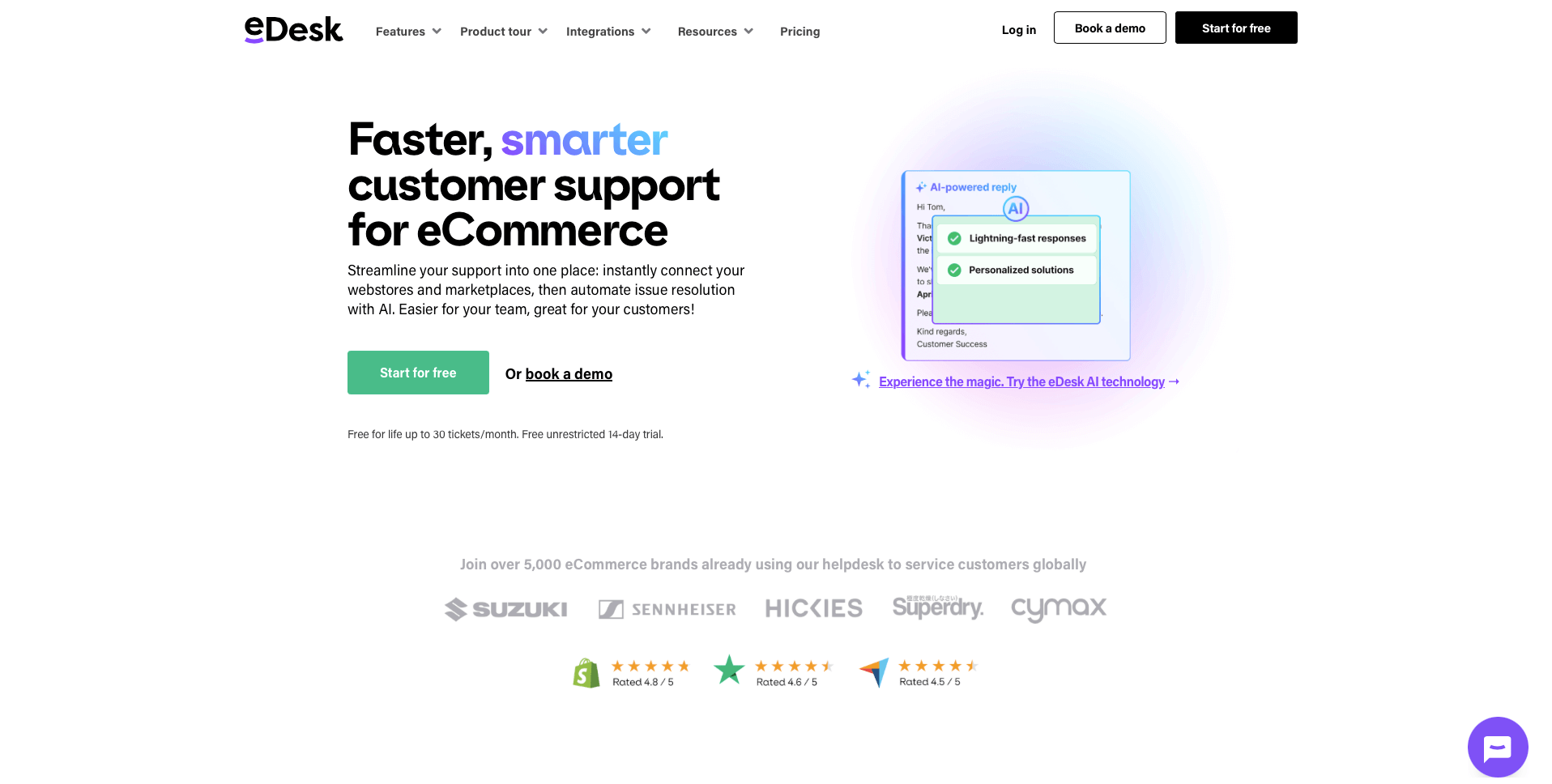
eDesk is one of the biggest customer service tools on the market. You can easily connect it to your Amazon store so you can manage your messages, orders, delivery times, and more. You can also take advantage of AI features to automate your issue resolution.
Customer service can take up a lot of time. Using a tool like eDesk can speed up the process and help you to improve the service you provide.
8. Outsourcing
Running an Amazon business can be a lot of work, especially if you’re selling more than a few products.
You can use tools to help you automate a lot of the work, but sometimes you’ll need to rely on extra help—and this is where outsourcing comes in.
Why Is It Important?
Outsourcing is what smart business owners do to grow their businesses.
You may want to do everything yourself, and that’s fine. But there will come a time when, if you want to grow your business, you’ll need to outsource or hire employees.
Many Amazon sellers find that they need to outsource certain tasks to free up their time to focus on more valuable tasks.
For example, you may want to have full control over the product sourcing process, choosing a product to sell that’s likely to be successful, finding a supplier, connecting with them, and negotiating prices. These are tasks that you want to do yourself, but they take time.
At the same time, you’ve got a million-and-one other things to do. Work on optimizing your Amazon advertising, creating and optimizing listings, marketing your products on social media, and more.
Software can certainly help, but sometimes it makes sense to hire someone to do the work for you, whether they’re using software or not.
You need to be able to find reliable and experienced contractors who you can trust to do the job well and for the right price.
Outsourcing can take time, and the hiring process is time-consuming—what with finding the right person or the job, interviewing them, and dealing with payments.
Outsourcing marketplaces can be an excellent place to find all the experts you need, from Amazon listing experts to advertising professionals and dedicated Amazon virtual assistants who can carry out a wide range of tasks.
Best Outsourcing Tools
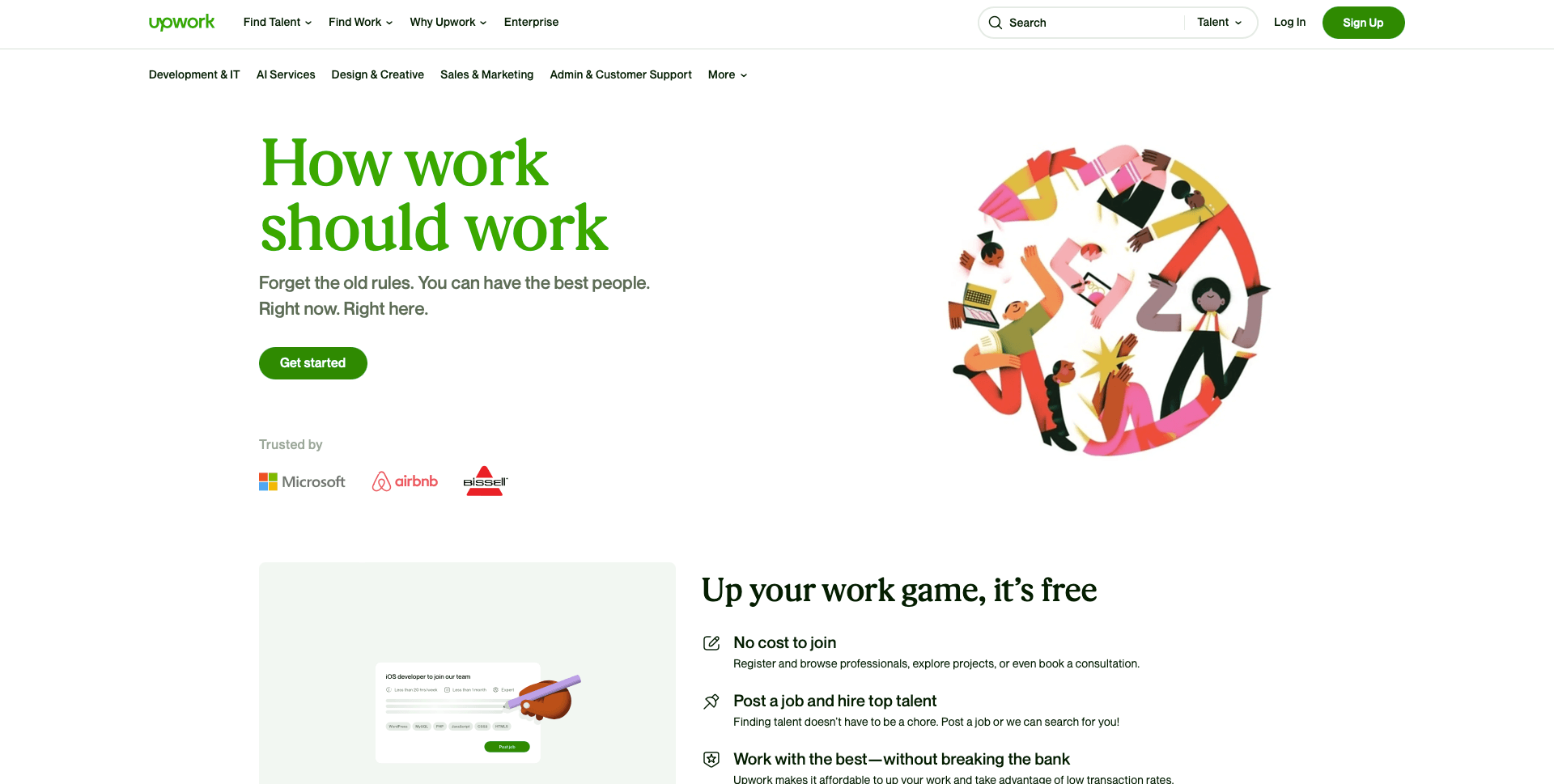
Upwork is one of the largest freelance marketplaces in the world, where you can post a job, receive offers from freelancers, interview candidates, select the right person for the job, and pay them for a task or on an hourly basis.
Fiverr is another option. Here, freelancers create gigs detailing what they can offer for a specific price. For example, someone may offer to create your entire Amazon listing for $200, and you can then buy the service as though you were buying a product.
Other popular websites include Freelancer, PeoplePerHour, and Guru. They’re all slightly different, but they will all help you to connect with skilled Amazon professionals who can help you outsource tasks.
Other Tools and Services
So far, we’ve looked at the major areas where you can use tools and services to help you sell on Amazon. But there are many other areas where there are useful tools available that can help you, and here are some more tools you may want to use.
If you’re doing your own shipping instead of being enrolled in FBA, shipping is going to be a major factor to consider.
You want to make sure you send out all your orders on time and that they get to your customers fast and in good condition. Managing your shipping can be a challenge when you have dozens of orders to take care of, and a shipping software solution is going to be very helpful.
ShipWorks is one option you can consider. You can connect this to your Amazon Seller Central account and use it to speed up the process. Use it to do everything in one place, including downloading orders, managing customers, creating shipping labels, updating the order status, and more.
ShipStation is another option. Again, you can connect this to Amazon to view order details, confirm inventory levels, and keep customers informed.
One thing no business owner likes dealing with is taxes, so make the process as streamlined as possible by connecting your Amazon account to reliable tax software.
Taxomate is one such tool. This is an automated service for ecommerce accounting used by many Amazon sellers. Use it to connect your Amazon account to your accounting software, get a detailed understanding of your financials, and use it for other marketplaces like eBay too.
TaxJar is another option for eCommerce sellers, including Amazon sellers. Use it to manage your taxes and ensure compliance. It imports your Amazon transactions and updates daily so you can see the sales tax by city and county across states. This makes it a lot easier to file your taxes.
Dealing with refunds can also be a headache for Amazon sellers, but Refunds Manager makes it easy. This service is for Amazon FBA sellers, and it helps you to get refunds when Amazon makes mistakes.
It helps you with customer returns, lost inventory, and more. Dealing with these issues on your own can be a big challenge, but this tool makes it a lot easier.
Conclusion
Finding success as an Amazon seller is something many people strive to achieve. And while it can certainly be done, it’s a lot of work.
If you’re finding that you’re spending every hour of the day working on tasks that you know could be done quicker, look into other options.
The software tools and services in this guide provide you with multiple ways to not only speed up your Amazon tasks but improve them dramatically.
For example, no matter how much time you put into repricing manually, it will never be as effective as using an automated repricing tool.
So work smarter, not harder. Try out the top Amazon seller tools highlighted here. Give them a go and find out which ones will help you to save precious time that you can put into other areas of your business.
That’s what the best Amazon sellers do when they want to grow their businesses. So do the same and watch your Amazon business thrive.
Want competitive pricing on Amazon? Sign up to Repricer.com for a 14-day free trial and take your sales to the next level with automated repricing.